
Co-op
Permafrost co-op and multiplayer guide: host or join games, squad roles, shared progress and bases, and the common connection issues in Early Access.
Introduction
Permafrost supports up to four players in online co-op, and the Co-op category is the complete guide to playing together. You will learn the full workflow: how to host a game and how to join a friend, whether progress and saves are shared, how the four-player squad should split roles, and what to do when a connection drops or the lobby misbehaves. The core message of the game applies here too - co-op does not make the world easier, it only means you do not face the cold alone. That means coordination matters: who gathers, who scouts, who builds, and how a shared shelter network keeps every squad member warm. This category also covers the practical details players ask about most, from dedicated server expectations to crossplay.
Co-op Roles Quick Reference
| Role | Main Job | Best Fit |
|---|---|---|
| Gatherer | Collect wood, stone, scrap and food | Player who likes resource runs |
| Scout | Map regions, find blueprints and points of interest | Player with good cold gear |
| Builder | Repair shelters, design the base network | Player who likes construction |
| Hunter | Bring back meat, leather and fur | Player with a good bow |
Squad Setup
Host and Join
The open and close of every co-op session
Role Splitting
Divide gather, build, hunt and scout to multiply the whole squad
Shared Progress
What is shared, what is personal, and who owns the save
Connection Fixes
The most common co-op problems and the fixes that actually work
Core Mechanics
Co-op in Permafrost works through a host-and-join model. One player creates a world from the main menu and the rest join over an online session - there is no separate matchmaking server, so the host connection matters. Within a session, progress is shared: resources, blueprints and shelter construction belong to the world, and every member can use the shared facilities. The game deliberately does not scale difficulty down for groups - the cold, the wildlife and the storms behave exactly as they do solo. That makes squad coordination valuable: splitting gather, scout, build and hunt roles accelerates everything, while a shared shelter network gives every player warm fallbacks during storms. Save and progress behavior are decided by the host, so confirm expectations before a long session.
Advantages
Playing co-op in Permafrost multiplies productivity far beyond four times one player. With dedicated gatherers, scouts, builders and hunters working in parallel, you can repair shelters faster, stock more supplies and explore much larger territory in the same play session. Shared blueprints mean one discovery benefits the whole squad, and a network of shelters lets frightened newcomers always have a warm place to retreat to. The dog companion and storage systems work for everyone, so a well-organized squad reaches cold-zone content and the late-game story far earlier than any solo player. If your group communicates even a little, co-op is the fastest way to experience everything the frozen world has to offer.
Challenges
Co-op adds real logistics overhead. Because the host's connection serves the session, players on slow networks may see lag, rubber-banding or disconnects, and progress can be lost if the host crashes or quits without saving properly. The world does not get easier with more players - wildlife and weather stay just as harsh, so a disorganized squad can burn through resources faster than a solo player while helping each other little. There is no crossplay or dedicated-server magic promised at launch, so verify platform and hosting expectations before buying or asking a friend to host. Communicate about roles and fallback bases to avoid turning a fun session into a group of frozen strangers.
Frequently Asked Questions
How do I host or join a co-op game?+
Is co-op progress shared between players?+
Can I play co-op with just two players?+
What do I do if co-op keeps disconnecting?+
Quick Tips
Agree on roles before you play: one gatherer, one builder, one scout and one hunter covers every base and prevents four players tripping over the same tree. A little coordination turns co-op from a chaos of competing survivors into a well-oiled cold-weather machine, and the shared shelter network means every player benefits from each role working at full efficiency. Revisit the split when the squad grows or the map changes.
Make the host's connection a priority - wired, low-latency and on the same game version as everyone else. Most co-op lag, drops and disconnects trace back to the host network, so fixing that single point solves more session problems than any other setting. Have the host close heavy downloads and streaming apps during play, and if sessions keep failing, check the official Discord for known server issues before rebuilding your network.
Build a shared shelter network with every player contributing, not one host doing everything. Multiple warm bases mean every squad member has a fallback during storms, and storing shared supplies at each stop makes long co-op expeditions far safer and more rewarding. Letting different players own different bases also reduces travel time, because the squad can split up and meet later with each station stocked.
Featured
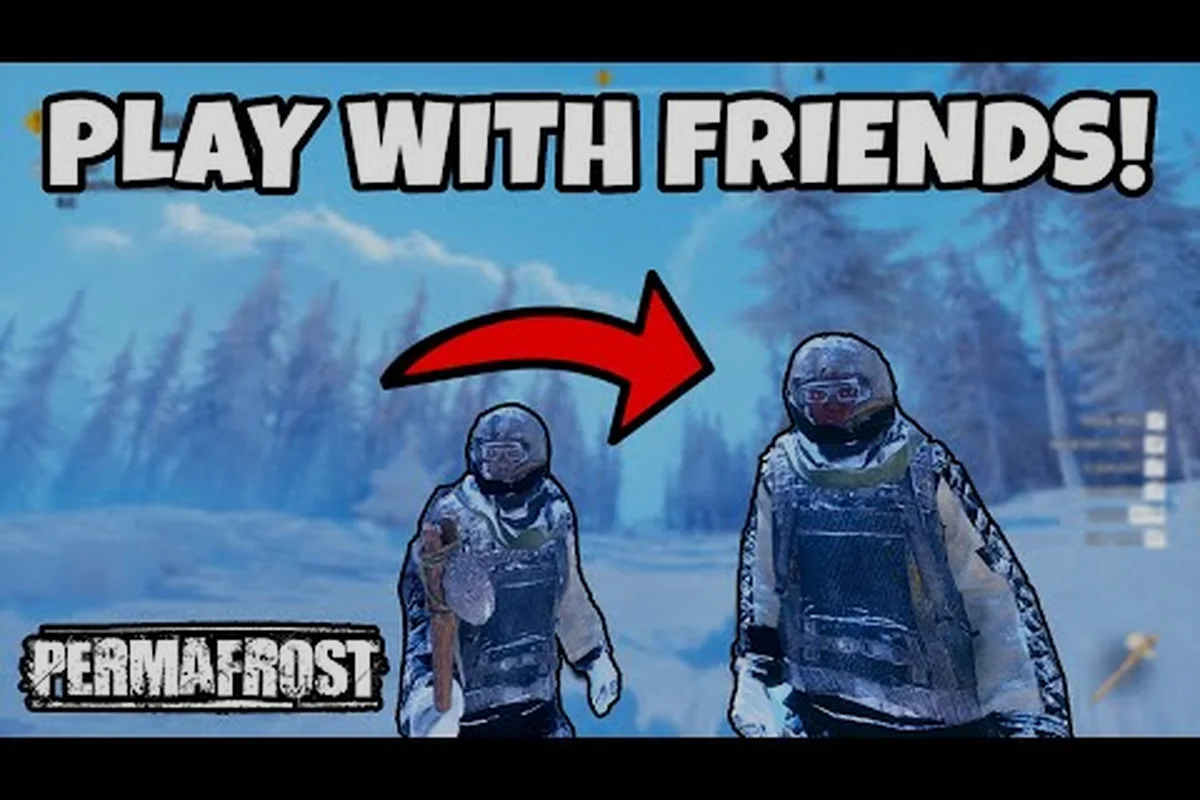
Permafrost Does Co-op Share Progress? Host World Saves
Find out if permafrost does co-op share progress, how host world save files work, and whether your gear carries over when friends join your frozen survival session.

Permafrost Co Op Guide: 4-Player Survival Setup
Learn permafrost co op basics, from hosting online co-op to 4-player setup and co-op vs solo difficulty, so you and your friends survive the endless winter together.
Permafrost Co-op Base Building: Fortify Together
Master permafrost co-op base building with friends, from shared shelter construction to resource pooling, so your squad survives the frozen wastes.
All Articles
Permafrost Invite Friends: Lobby, Roles, and Crossplay
Learn how to permafrost invite friends into your lobby, assign multiplayer roles, and troubleshoot co-op connection issues across platforms in the frozen apocalypse.

Permafrost Is Permafrost Multiplayer? Co-op Explained
Find out if permafrost is permafrost multiplayer, including co-op requirements, crossplay options, and lag fixes so you can play together.

Permafrost Co-op Progress: Save Sharing With 3 Friends
Understand permafrost co-op progress, from host world saves to 3-friend session sharing and difficulty changes, so no one loses their gear when the host leaves.
Permafrost Multiplayer Guide: Host a Server With Friends
Master the permafrost multiplayer guide to host a dedicated server, invite friends into co-op, and join a game so you can survive the endless winter together.