
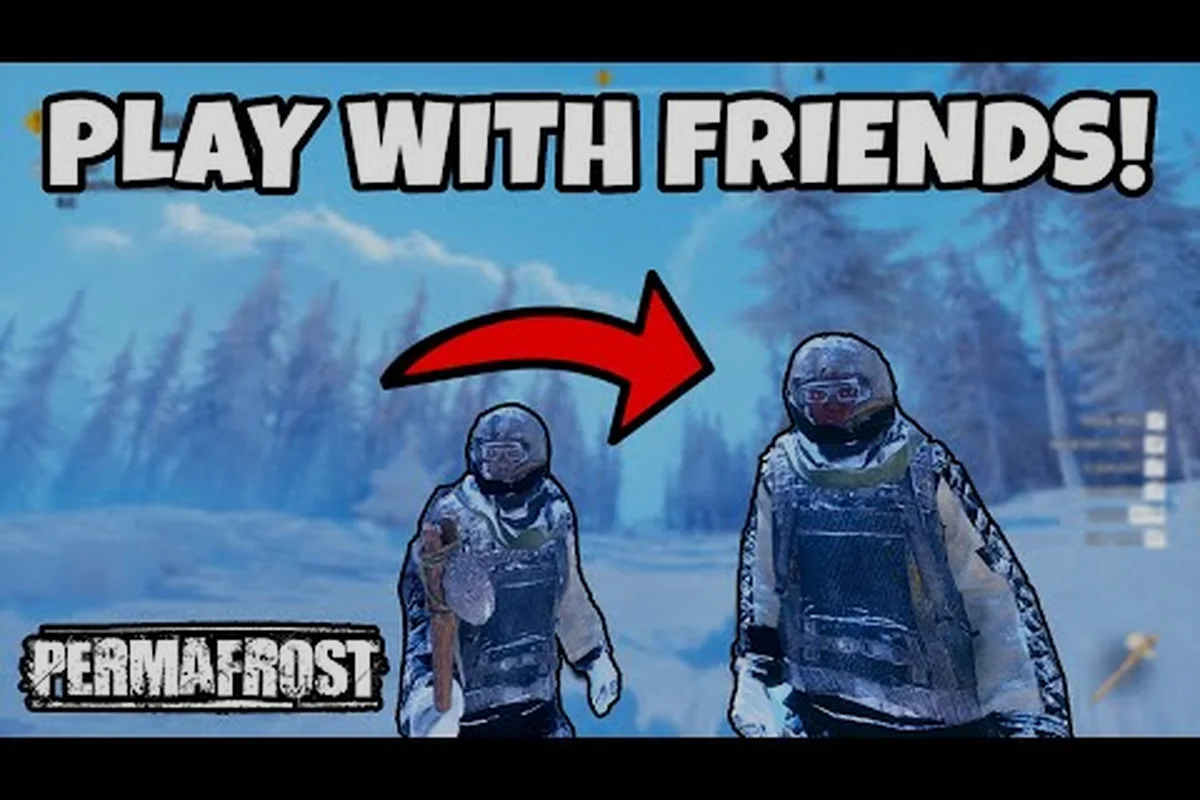
Getting a friend into your Permafrost lobby should take less than a minute, yet connection failures and role confusion still strand too many survivors in the frozen wastes. This guide breaks down the exact invite flow, lobby permissions, and crossplay limitations so you can start a four-player expedition without burning daylight on menus.
Permafrost Invite Friends: The Core Lobby Flow
The invite system in Permafrost is built around a host-client model, which means one player owns the world state and everyone else connects to that instance. When you open the pause menu and select the co-op tab, the game generates a session that friends can join through either a direct Steam invite or an in-game friend list. According to the official Steam store page, the game supports online co-op with up to four players, and the host's machine handles world simulation while clients sync their positions and actions.
The most reliable method to permafrost invite friends is to use the Steam overlay rather than the in-game browser. Press Shift+Tab, right-click a friend's name, and choose "Invite to Game" while your lobby is set to "Friends Only" or "Invite Only." The in-game friend list sometimes fails to refresh after a player changes their Steam status, which causes the invite button to gray out even though the friend is online. Restarting the lobby or toggling the privacy setting from "Public" to "Friends Only" and back usually forces a refresh.
A common mistake new hosts make is launching the game in offline mode before opening a lobby. Permafrost requires an active online connection for co-op sessions, and the game will silently drop you into a solo instance if Steam's connection drops during loading. Check the bottom-left corner of the main menu for a green "Online" indicator before you spend time building a shelter that friends cannot join.
| Lobby Privacy Setting | Who Can Join | Best Use Case |
|---|---|---|
| Public | Anyone browsing server list | Quick pick-up groups |
| Friends Only | Steam friends list | Regular co-op sessions |
| Invite Only | Players with direct invite | Private progression runs |
Permafrost Friend Join Mechanics and Session Stability
Once a friend accepts your invite, the game performs a brief handshake that verifies version compatibility and mod status. Because Permafrost is still in Early Access as of October 2026, the developer pushes frequent patches that occasionally desynchronize client and host builds. If your friend sees a "Version Mismatch" error, both players need to verify game file integrity through Steam and restart the client before attempting another join.
The permafrost friend join process also depends on NAT type and router configuration. Players on strict or moderate NAT will sometimes connect to the lobby but fail to load the world, resulting in an infinite loading screen. Port forwarding for Steam's multiplayer ports (UDP 27015-27030) resolves most of these cases, though the host should test connectivity with a third player before assuming the issue is client-side.
Session persistence is another factor that catches groups off guard. When the host disconnects, the lobby dissolves and all clients return to the main menu. Permafrost does not currently migrate host authority to another player, so groups that plan long expeditions should designate the player with the most stable internet connection as the permanent host. This is especially important for groups using the permafrost multiplayer guide to plan their first co-op session.
| Connection Issue | Likely Cause | Quick Fix |
|---|---|---|
| Invite button grayed out | Friend appears offline in-game | Restart lobby, toggle privacy |
| Version Mismatch error | Client and host on different patches | Verify files, update both clients |
| Infinite loading screen | Strict NAT or blocked ports | Forward UDP 27015-27030 |
| Lobby dissolves on host exit | No host migration | Designate stable host, avoid host leaving |
Permafrost Lobby Guide: Roles, Permissions, and World Settings
The permafrost lobby guide starts with understanding what the host can control before anyone joins. The host sets the world seed, difficulty modifiers, and whether the session allows friendly fire. These settings are locked once the first client connects, so the group should agree on parameters during the pre-game screen rather than discovering mid-expedition that the difficulty is too punishing.
Permafrost multiplayer roles are not rigid classes but emerge from how players distribute tasks. The game does not lock anyone into a specific build, but effective groups typically assign one player to base construction, another to hunting and resource gathering, a third to technology research, and a fourth to exploration and mapping. Because the cold is the deadliest enemy, having a dedicated firekeeper who maintains heat sources and cooks food prevents the entire group from freezing during blizzards.
The host can promote any client to a co-host role, which grants permission to modify world settings and invite additional players. This is useful when the original host needs to step away but the session should continue. However, co-hosts cannot save the world independently; the save file remains tied to the original host's machine, which matters for groups wondering whether co-op progress carries over between sessions.
Role Distribution Table
| Role | Primary Responsibility | Key Items to Craft First |
|---|---|---|
| Base Builder | Shelter, storage, defenses | Hammer, insulated walls, storage crates |
| Hunter | Food, hides, fuel | Bow, traps, skinning knife |
| Researcher | Tech unlocks, crafting recipes | Workbench, research station |
| Explorer | Map scouting, signal locations | Compass, climbing gear, flares |
Permafrost Cross Platform Support and Limitations
Permafrost cross platform play is currently limited to PC players through Steam. The game does not support crossplay between Steam and console platforms, and there is no announced console release as of the Early Access launch in October 2026. Players who own the game on different PC storefronts should also verify that both copies are the Steam version, since the game is distributed exclusively through Steam during Early Access.
This limitation affects how groups plan their sessions. If one friend plays on a Steam Deck and another on a desktop PC, both are technically on the same platform and can join the same lobby without issue. The Steam Deck's default controller configuration works with Permafrost, though some players report that the in-game text chat is harder to use on the handheld's virtual keyboard.
The absence of console crossplay means that permafrost single player remains the only option for players whose friends are waiting for a potential console port. The developer has not confirmed any timeline for console releases, so PC-only groups should not delay their co-op plans expecting crossplay to arrive in a future patch. Community reports suggest that dedicated server support is also not yet available, which means all sessions rely on peer-to-peer hosting.
| Platform | Co-op Availability | Crossplay Support |
|---|---|---|
| Steam PC | Yes, up to 4 players | Yes, within Steam ecosystem |
| Steam Deck | Yes, via Steam | Yes, same as PC |
| Console (any) | Not available | N/A |
Troubleshooting Permafrost Co-op Connection Issues
Permafrost co-op connection issues fall into three broad categories: Steam-side problems, network configuration problems, and in-game bugs. Steam-side issues include friend list sync failures, overlay conflicts, and regional download server mismatches. Network problems typically involve NAT restrictions, firewall blocks, or VPN interference. In-game bugs range from lobby desync to inventory duplication glitches that can corrupt a session.
The first troubleshooting step is always to verify that both players can see each other as online in the Steam client. If Steam shows the friend as offline but they are clearly online in Discord, the issue is a Steam friend list sync failure. Both players should restart Steam completely, not just the game, and then attempt the invite again. This resolves a surprising number of permafrost co-op connection issues without touching router settings.
Firewall and antivirus software occasionally blocks Permafrost's multiplayer traffic without notifying the user. Adding the game executable to the firewall's exception list, or temporarily disabling third-party antivirus during a test session, helps isolate whether security software is the culprit. VPNs also introduce latency and sometimes route traffic through regions that Steam's matchmaking does not expect, so disabling the VPN for co-op sessions is recommended.
Step-by-Step Connection Troubleshooting
-
Verify both players are online in Steam, not just in-game
-
Check that both clients are on the same game version
-
Restart Steam completely before retrying the invite
-
Add Permafrost to firewall and antivirus exception lists
-
Disable VPNs during co-op sessions
-
Forward UDP 27015-27030 on the host's router
-
Test with a third player to isolate host-side issues
Permafrost Single Player vs Co-op: When to Go Solo
Permafrost single player is a fully supported experience, and some players prefer it for the atmospheric tension that comes from facing the frozen apocalypse alone. The game scales enemy encounters and resource scarcity based on player count, so solo runs are not simply harder versions of co-op sessions. Instead, solo players face different pressures: no one to watch your back during a blizzard, no shared inventory to distribute weight, and no second chance if you fall through thin ice.
The co-op experience changes the game's pacing significantly. With four players, resource gathering accelerates dramatically, but so does consumption. Food and fuel burn through faster when four survivors share a shelter, which means the group must coordinate hunting trips and firewood collection rather than each player hoarding supplies. The co-op base building guide covers how to design shelters that accommodate multiple players without wasting heat.
Choosing between permafrost single player and co-op depends on what you want from the game. Solo play rewards careful planning and methodical exploration, while co-op rewards communication and role specialization. Neither mode is objectively better, but groups that struggle with coordination may find that solo runs offer a more consistent experience until everyone learns the core survival loop.
| Aspect | Single Player | Co-op (2-4 Players) |
|---|---|---|
| Resource consumption | Standard rate | Scales with player count |
| Enemy difficulty | Standard | Slightly increased per player |
| Death penalty | Full inventory loss | Allies can recover your gear |
| Base building speed | Slow, solo effort | Fast with division of labor |
| Atmosphere | Isolated, tense | Social, coordinated |
Frequently Asked Questions
How do I permafrost invite friends if the in-game list is empty?
Restart Steam completely, then launch Permafrost and open the co-op tab. If the list still shows no friends, toggle the lobby privacy from "Friends Only" to "Public" and back. This forces the game to re-query Steam's friend API and usually repopulates the list within a few seconds.
Why does my friend get stuck on the loading screen when joining?
This typically indicates a NAT or port issue on the host's router. The host should forward UDP ports 27015 through 27030 and disable any VPN. If the problem persists, have a third player attempt to join to determine whether the issue is host-side or client-side.
Can Permafrost cross platform play work between PC and console?
No, Permafrost is currently exclusive to Steam on PC, and there is no console version available as of October 2026. Players on Steam Deck and desktop PC can play together because both use the Steam ecosystem, but console crossplay is not supported and has no announced release window.
Do Permafrost multiplayer roles lock you into a specific build?
No, the game does not enforce rigid classes. Roles emerge from how your group distributes tasks like hunting, building, and research. The host can promote a co-host to manage invites and settings, but every player retains full access to all crafting and survival mechanics.
What happens to the lobby if the host disconnects?
The session ends immediately and all clients return to the main menu. Permafrost does not currently support host migration, so groups should designate the player with the most stable connection as the permanent host before starting a long expedition.